
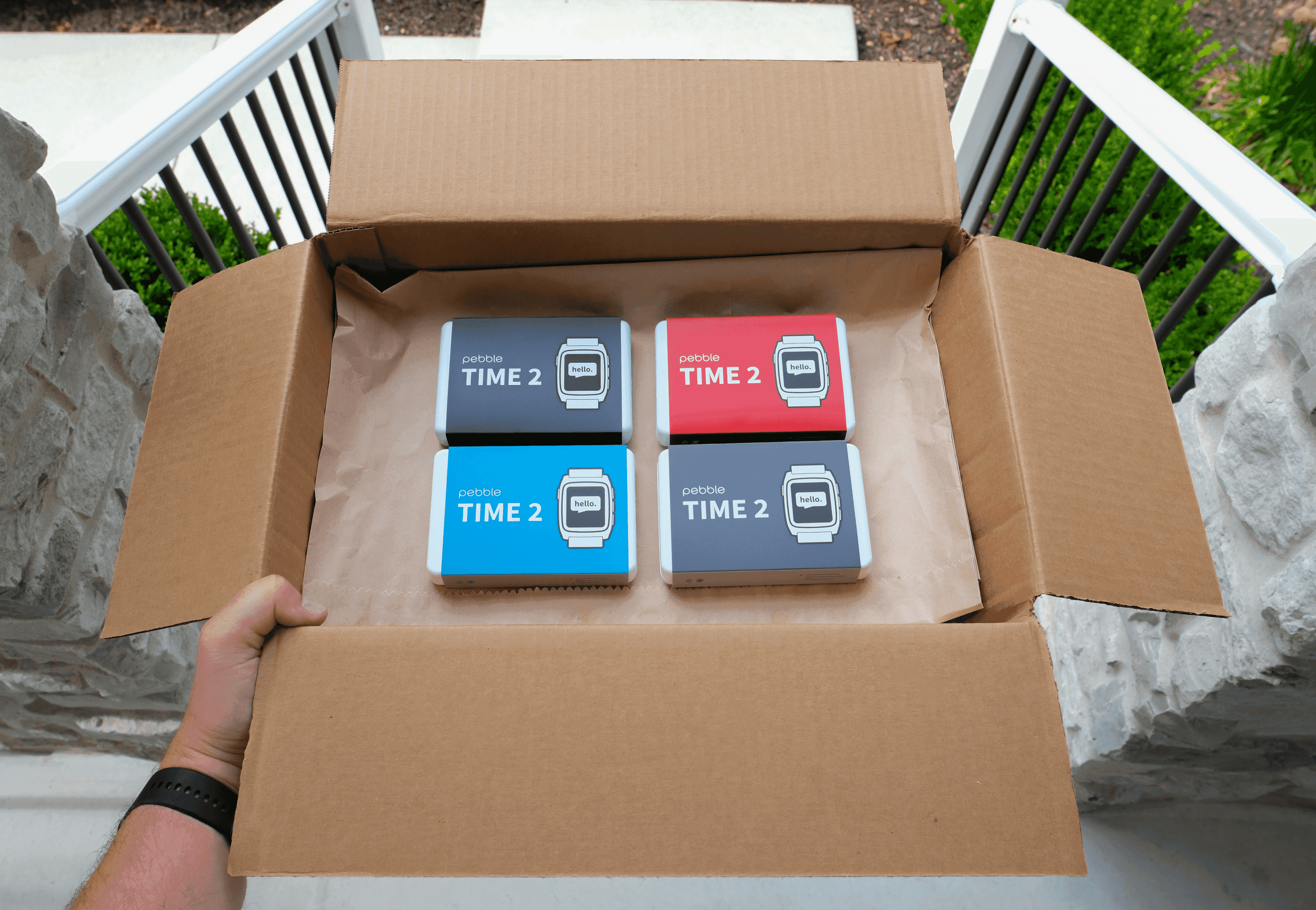
#All Pebble Time 2 invites have been sent and we're now in-stock!
It’s been a long Time coming, but if you have been waiting, now is your moment. Pebble Time 2 is in stock on rePebble.com/watch and ships within 48 hours!
Already ordered a Pebble Time 2 but haven’t received your email to check out? Head to orders.repebble.com to look up your order (maybe you never chose a color or confirmed your address). Reply to this email if you need help!
#Looking to get all of our updates first? Join the beta
Every PebbleOS and Pebble app release goes through a growing crew of beta testers before it reaches everyone. They're the reason we catch the bugs early.
Want in? Sign up at rePebble.com/account and toggle on beta access. You'll get new builds early, and your bug reports go straight to the team that writes the code. Fair warning: beta means beta. Things occasionally break.
#Touch controls are here
You can now navigate PebbleOS by touch! But remember: Pebble remains button-first; everything can be done without touching the screen.
Looking to turn off touch entirely? You can follow the directions on our help site.
Touch is perfect for dismissing notifications quickly too!
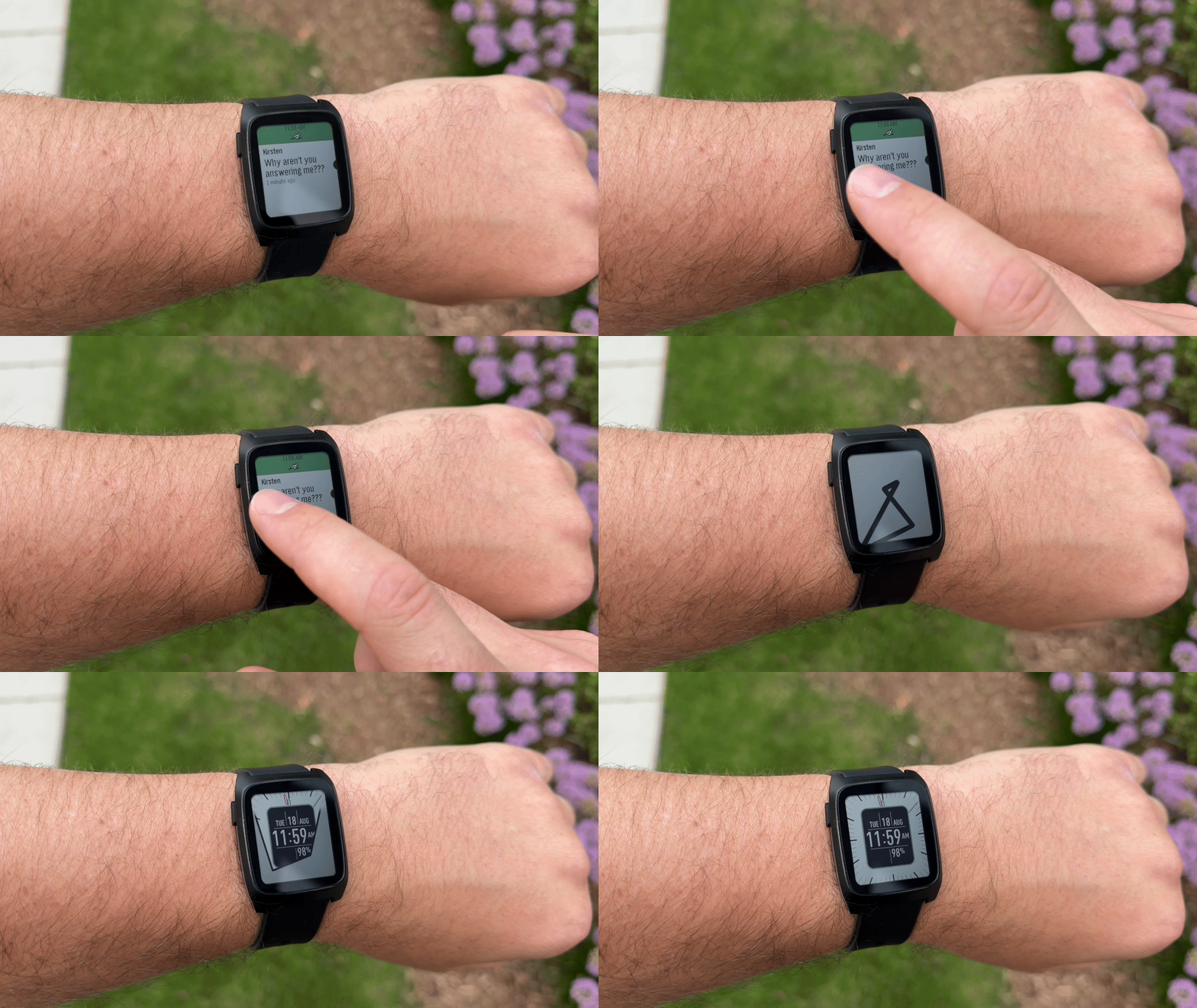
And soon, you’ll be able to tap a watchface complication.
Haven’t tried touch on your Pebble Time 2 yet? Here are some fun apps to try:
- Pebble Pillage: A charming castle defence game
- Blackjack Touch PT2: Lose fake money without having to go to the casino
- Breakerbrick: Brick breaking, wrist sized
- Mini Golf Touch: Now you can be horrible at golf while you wait for the dentist
#A beautiful new weather app
The stock weather app got a full redesign for PT2 and PR2, built by grim, one of the winners of our Spring 2026 Developer Contest. Cleaner layout, more forecast at a glance, and it looks like it belongs on a color display.
Update to the latest Pebble mobile app and PebbleOS for this to work.
Navigation is optimized for both buttons and touch!
#SDK Updates: Including Touch and Heart Rate
If you don't write apps, this is the section that tells you what your watch is about to be able to do, because everything here shows up in apps!
- Apps can use the touchscreen more easily now. Menus and lists respond to taps and swipes after opting in, so a lot of apps get touch-friendly by barely lifting a finger. Beyond that, developers can now read real gestures: taps, swipes and drags, including direction and speed. They no longer have to detect those themselves!
- Apps can read heart rate variability. HRV is the timing variation between heartbeats, and it's the number most sleep, stress and recovery apps are built on. Your watch has been able to measure it. Until now apps couldn't get at it. Now they can.
- Writing apps in JavaScript got a lot more powerful. Alloy is our JavaScript SDK, powered by Moddable, for people who'd rather not write C. It can now read your health data properly: steps, sleep, activity, heart rate, history minute by minute, and alerts when a number crosses a line you set. Button handling got easier too, so things like long-press and double-press are a setting instead of something every developer rebuilds by hand.
- Testing got less painful. The emulator can now fake health data, so someone building a step or sleep app doesn't have to go for a walk every time they change a line of code. Sounds small. It isn't.
- Use an AI agent to build watchfaces with our new Skill.
Nothing you already installed breaks. Older apps keep running on new firmware with no rebuild.
Check out the PebbleOS changelog and Pebble app changelog to follow along on all of our improvements!
Have a question about building apps? Please post on the Pebble Forum.
#A backlight that manages itself
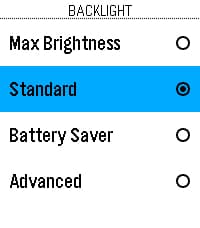
Backlight can be one of the biggest power draws on your watch, so we simplified it into four modes under Settings > Display > Backlight. Pick the one that matches how you use your watch and stop thinking about it:
- Max Brightness: For people who just want a really bright backlight (at the expense of power drain)
- Standard: The default, balanced for most people
- Battery Saver: Trims backlight use to stretch your battery
- Advanced: If you'd rather tune the individual settings yourself
We also improved the light sensor algorithm, so the backlight kicks in more accurately in every mode.
#Let’s get notified! Language packs, RTL, and new emoji
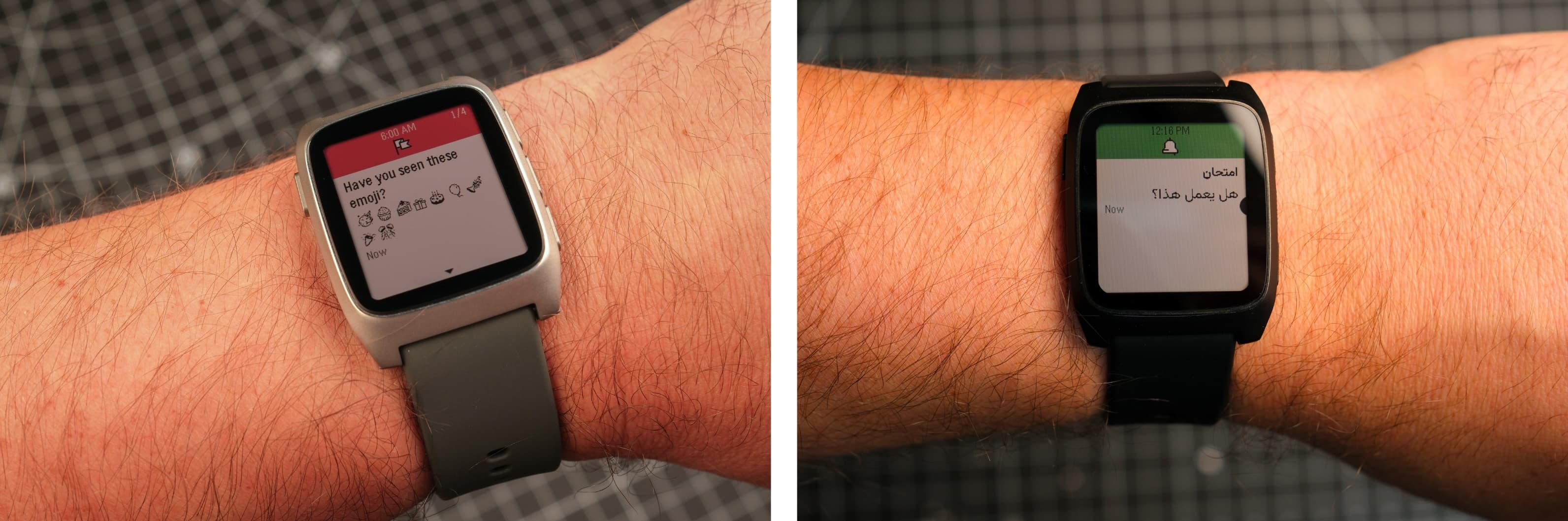
Big developments for haters of ▯▯▯ characters: Expanded language packs and support for Noto emoji!
Have you ever received a notification that had ▯▯▯ instead of a readable message? It means your watch is missing the required language pack. Luckily our community has built many language packs which we include in the Pebble app.
Currently available language packs: Arabic, Bulgarian, Burmese, Catalan, Chinese (Simplified and Traditional), English, French, German, Hebrew, Italian, Japanese (regular and Light), Portuguese, Russian, and Spanish.
With the Hebrew or Arabic language pack installed, modern PebbleOS renders notifications with proper RTL ordering and Arabic shaping. The old "elbbeP" backwards-text days are over.

And if you love expressing yourself through emoji, Noto emoji display on your watch natively. No extra work needed!
#Cool new watchfaces and apps
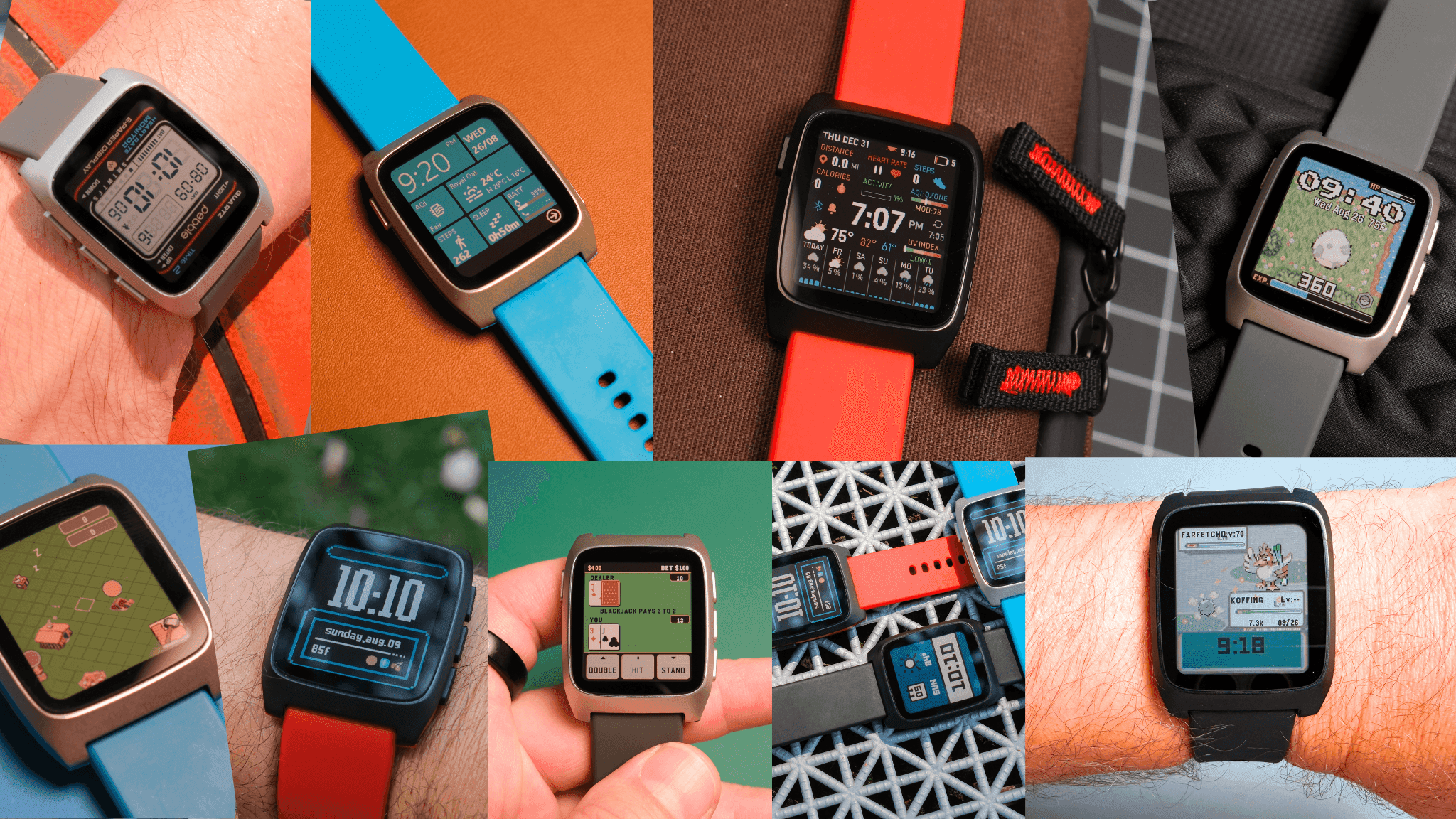
The community has built 2,120+ apps and watchfaces for PT2 and PR2 alone. A few worth your storage space:
- Metro WP8: A retro watchface inspired by Windows Phone 8.
- DATALOAD: The Pebble Time 2 Watchface for Data Junkies!
- Poke Evolution: The more steps you take, the closer your Pokemon gets to evolving!
Also worth knowing: Apps can now use up to 1MB of persistent storage, and Alloy lets developers write native JS apps, with C via FFI when they need the speed. If you've ever thought "I'd build a Pebble app if it weren't so hard," it's much easier now. Start at developer.rePebble.com.
#Accessories are in stock
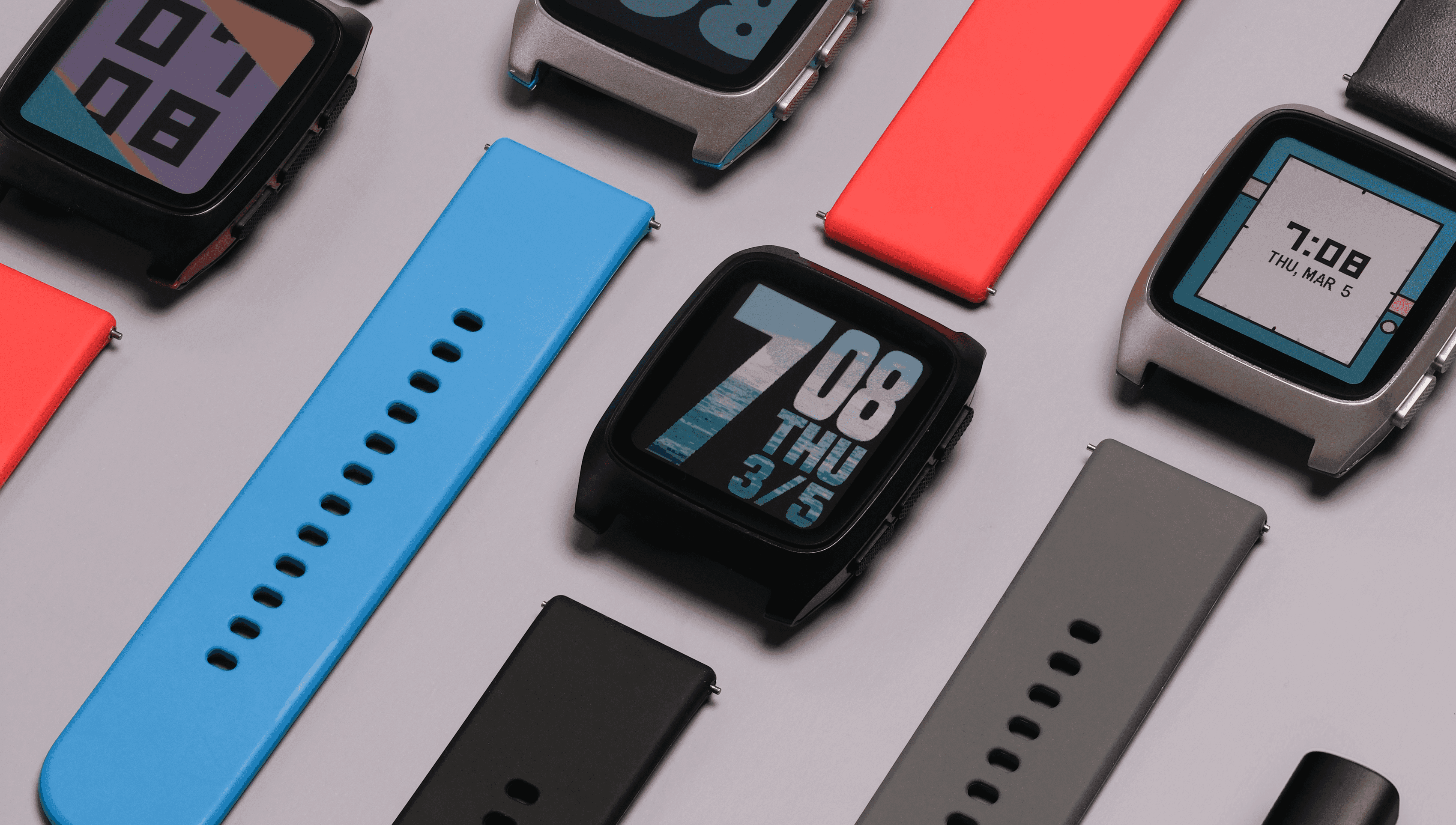
shop.rePebble.com now carries Pebble accessories, including spare Pebble watch chargers and a growing strap selection. Index sizing kit
A spare charger for your desk or travel bag is one of those small purchases you don't regret.
Thanks for reading and thanks for wearing a Pebble! The Pebble Team